

OriginalCleaned
Subtitles over cinematic scenes
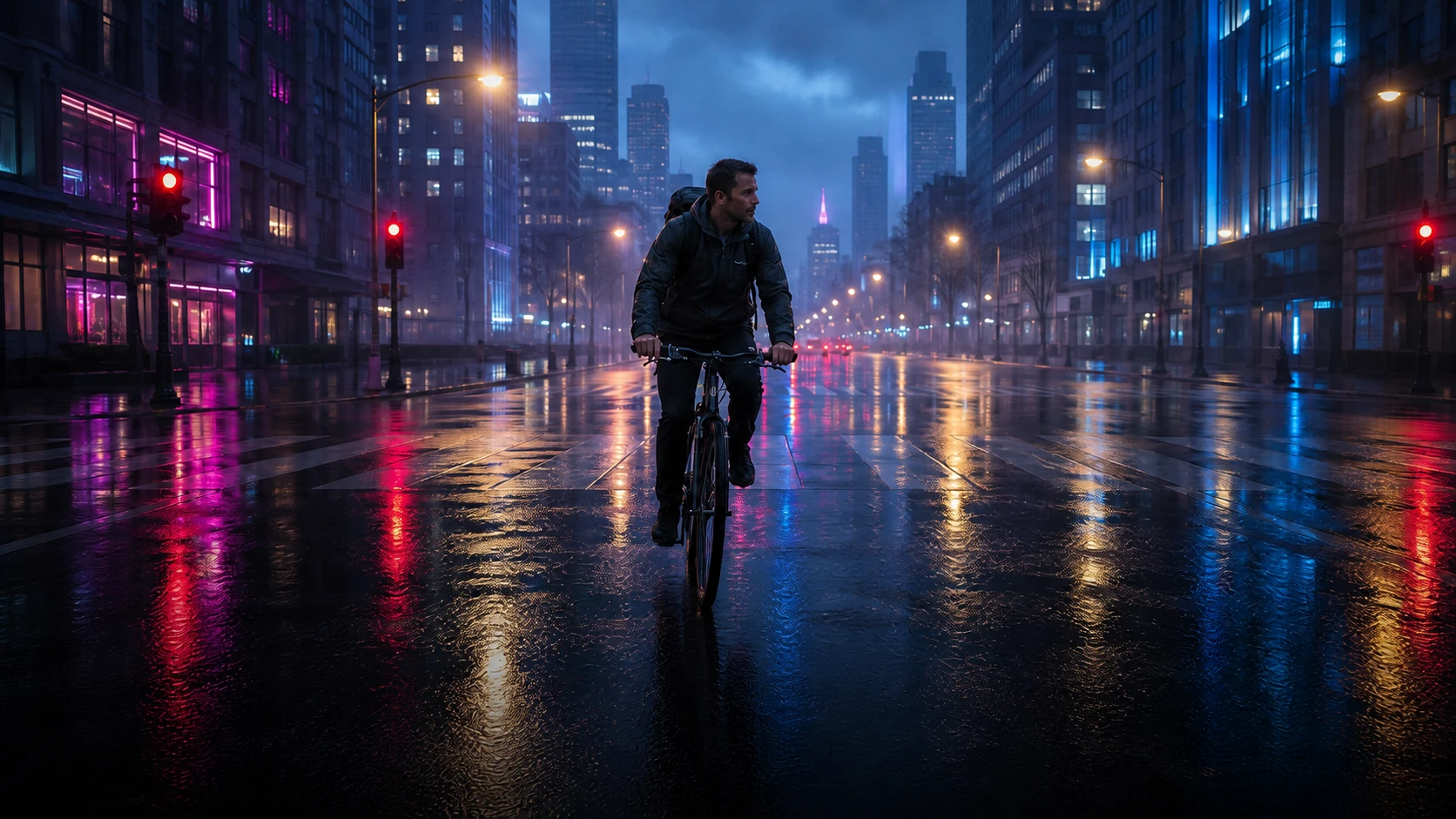
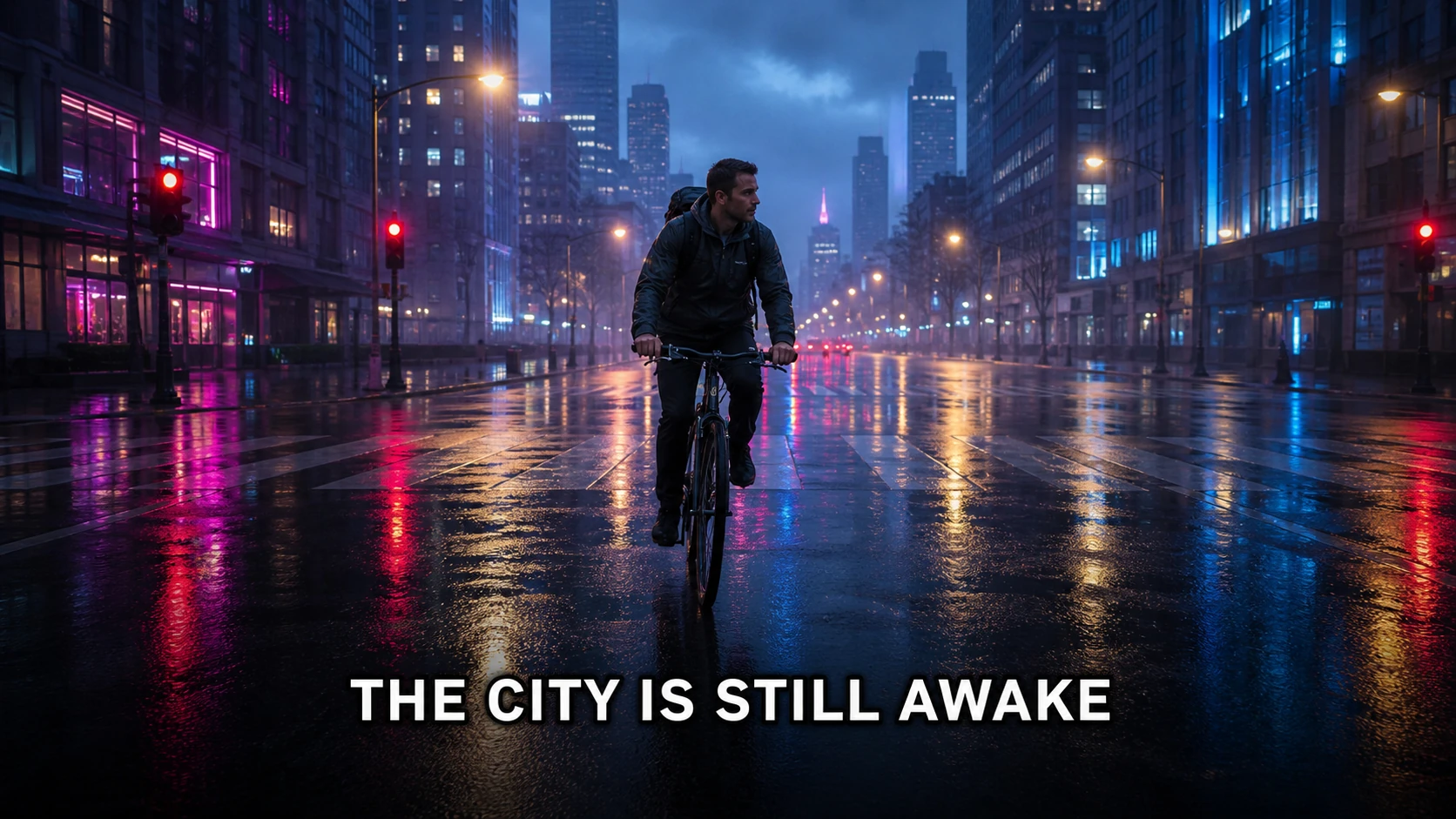
Remove a hard subtitle line while preserving the cyclist, road, and neon reflections.
Caption and subtitle cleanup
Clean subtitles, meme captions, quotes, and burned-in labels from an image you have permission to edit. Select the text region and let the AI rebuild the background around the original framing.
See the cleanup first
Drag the slider to compare the original and cleaned image.


JPG, PNG or WebP · up to 10 MB
Upload an image, mark the text, and rebuild only the area you select.
A good before-and-after example makes the workflow clear: the text disappears, while the image framing and nearby details remain available for review.
Remove a hard subtitle line while preserving the cyclist, road, and neon reflections.
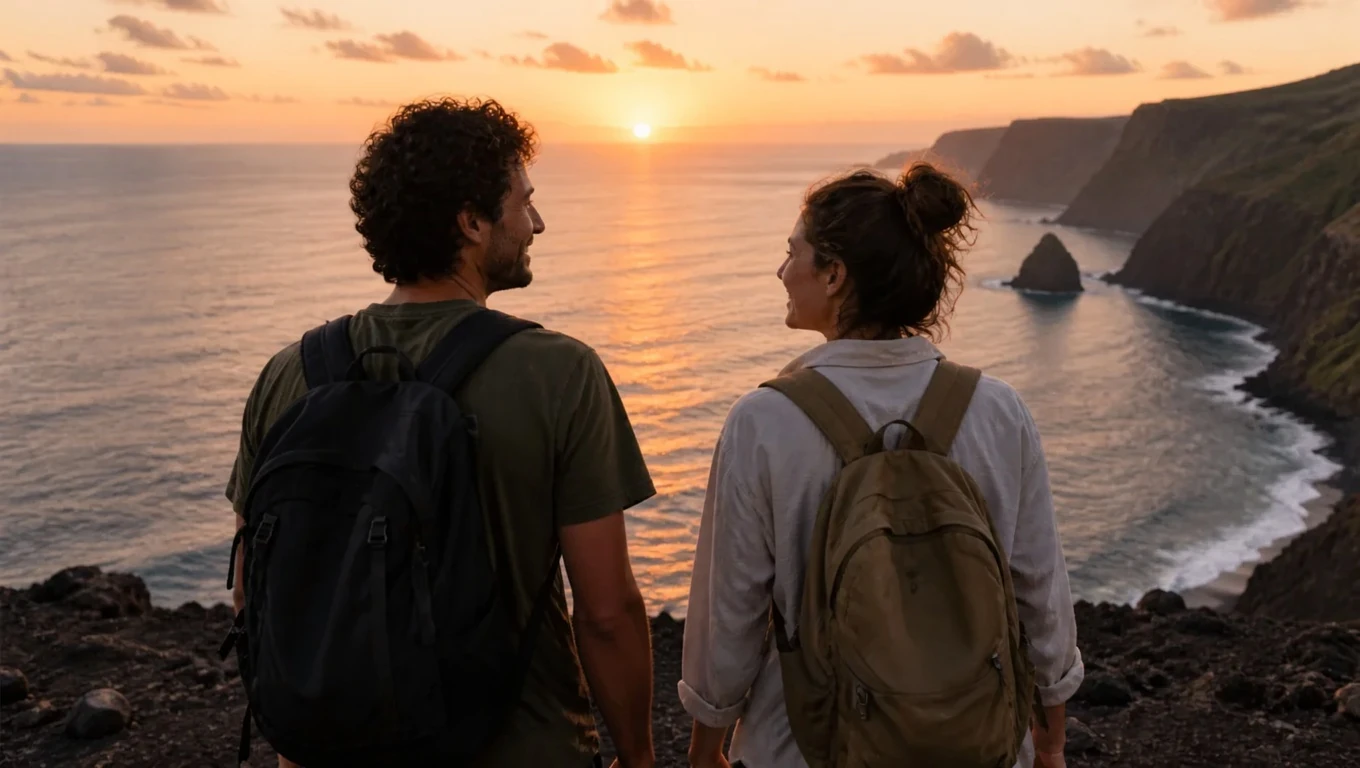
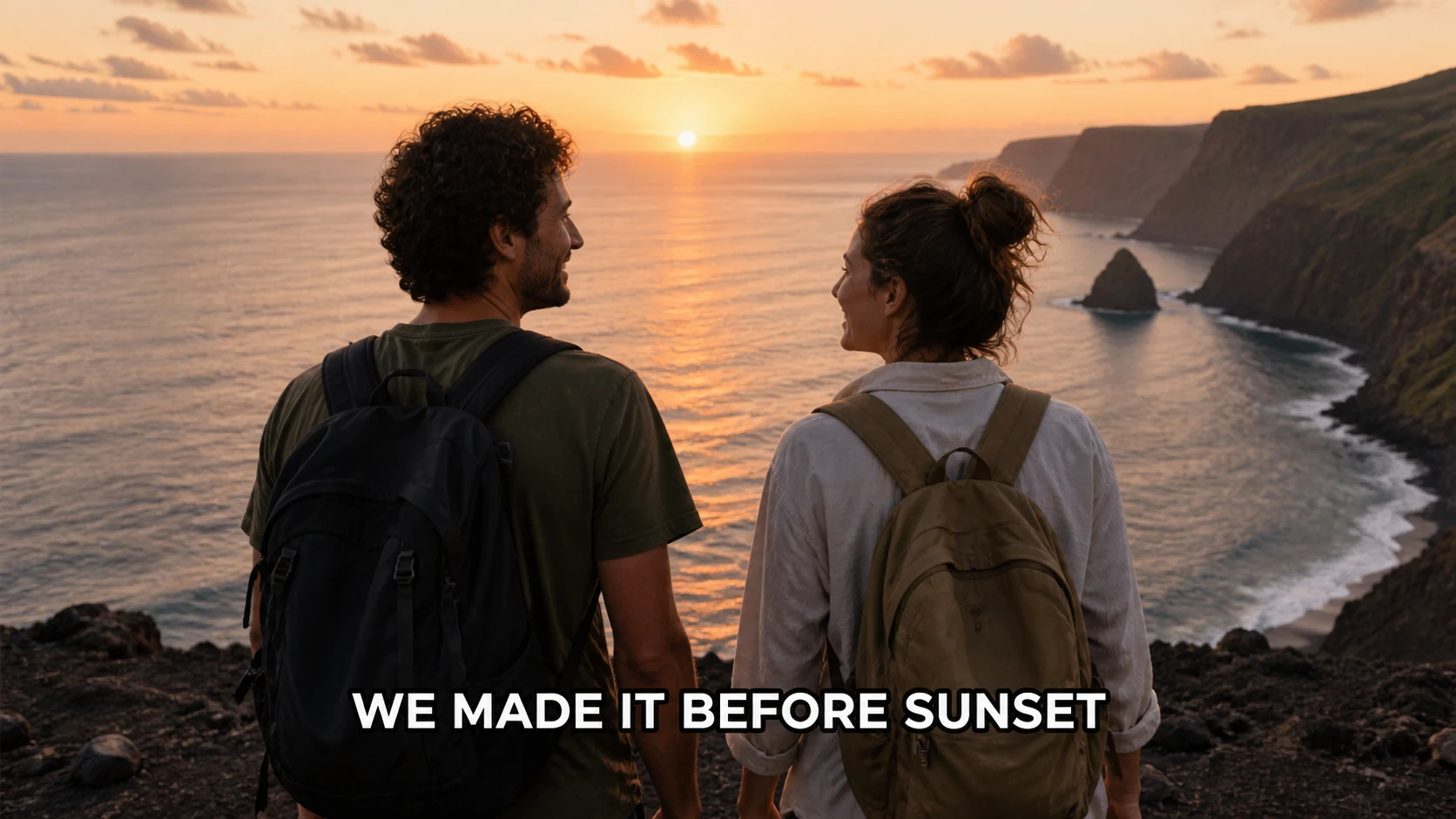
Clear a saved travel caption while keeping the coastline and people untouched.
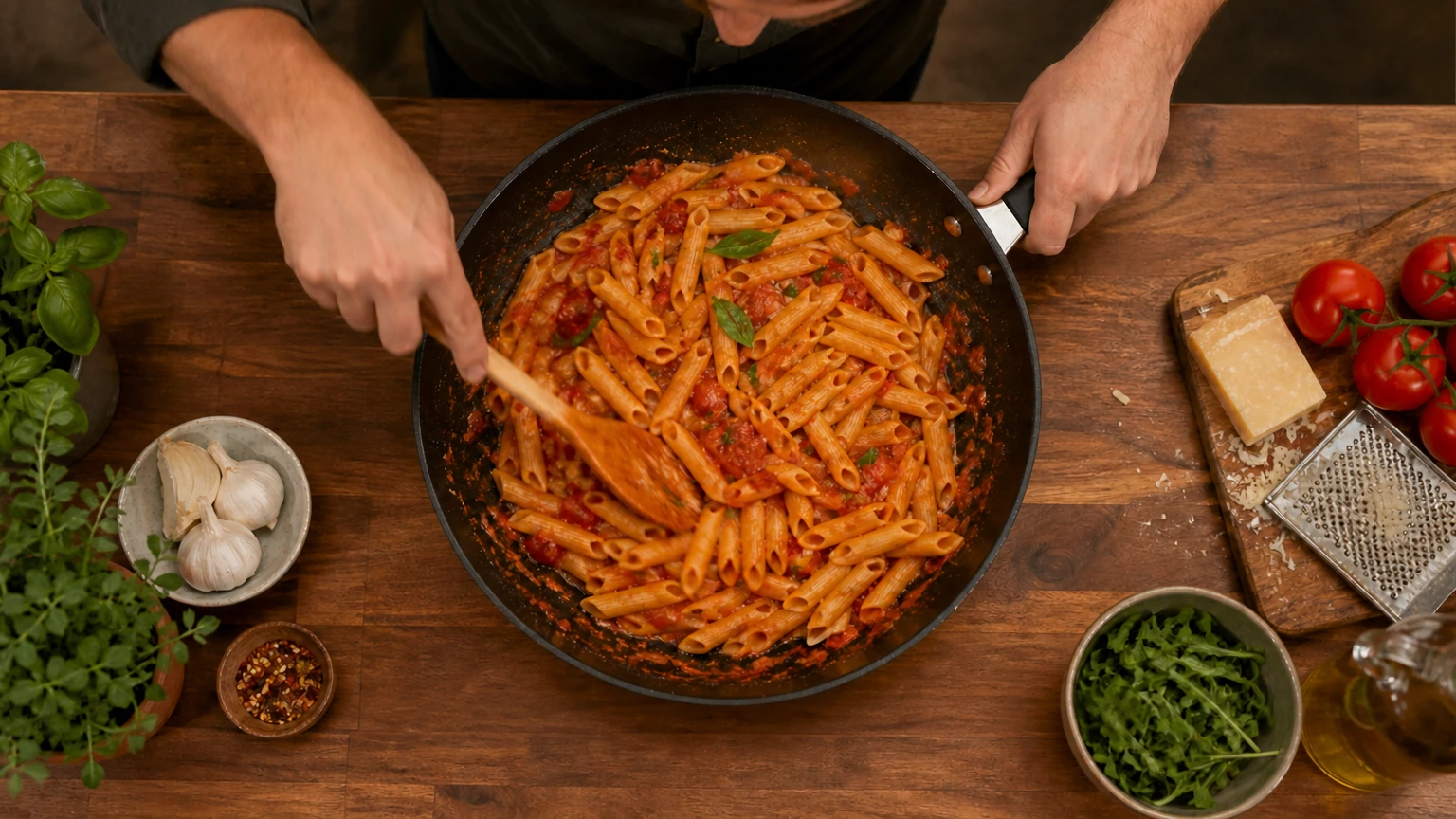
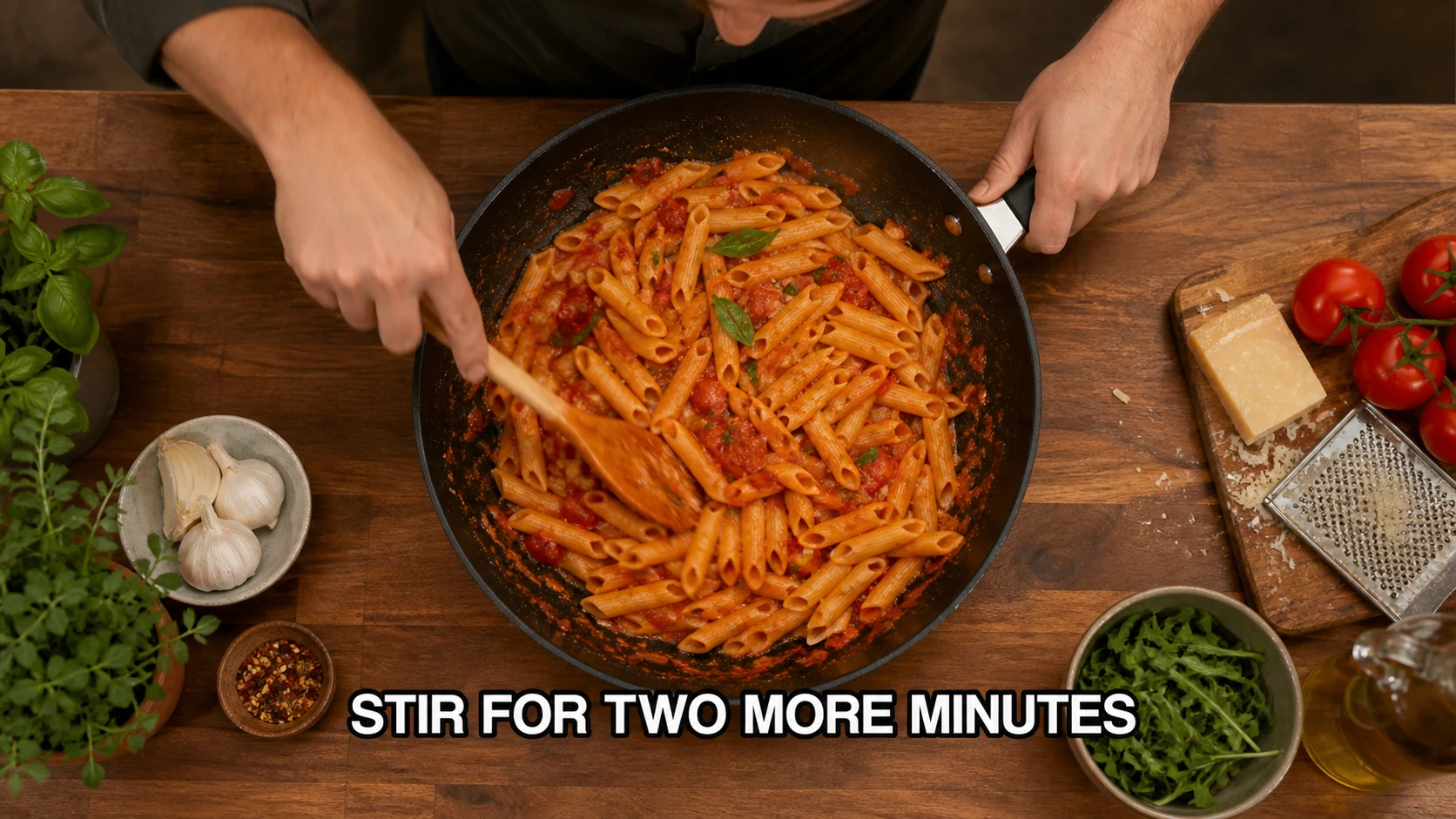
Remove instructional text from a food frame without losing the pan, hands, or ingredients.
In short
This caption remover is designed for still images: video screenshots, saved social posts, memes, posters, and photos with text overlays. Upload the frame, cover every line you want gone, and inspect the rebuilt background before downloading.
Subtitles, meme text, quotes, and social captions are often flattened into the pixels of a saved image. There is no editable text layer to hide, so the background has to be reconstructed.
Cropping can work when the caption sits outside the important scene. When it crosses a face, landscape, product, or composition edge, a focused selection gives you a chance to keep the full frame.
The model works from nearby visual context and cannot reveal the exact hidden frame. Simple skies and blurred backgrounds are usually easier than faces, subtitles over hands, or detailed architecture.
A focused caption workflow
Use one continuous workflow: upload a copy, mark only the text, and inspect the rebuilt area before saving.
Use a JPG, PNG, or WebP screenshot or photo up to 10 MB.

Cover the letters, punctuation, shadow, and subtitle bar that should disappear.

Check faces, edges, and repeated textures before downloading. Your first two successful removals each day are free.

Where precise cleanup helps
The same editor can handle several kinds of visible text when you keep the selection focused and review the result.
Clean a subtitle from one authorized still frame without claiming to edit the complete video.
Remove existing top or bottom text from an image you can reuse before adding your own authorized copy.
Clear a short quote or campaign line while checking the background illustration or photo beneath it.
Create a clean reference copy of your own published visual while keeping the original post asset.
Tips for cleaner edits
A few deliberate choices give the model better context and make the result easier to review.
For a single subtitle line, one continuous selection is usually easier to review than many tiny boxes.
When a caption crosses a face, keep the selection as tight as possible and inspect facial details closely.
Higher-quality screenshots and simpler backgrounds give the reconstruction more useful surrounding pixels.
If the text sits on a solid bar, include the bar only when you want the entire block reconstructed.
Honest limitations
AI reconstructs selected pixels from nearby visual context. It does not recover the original pixels hidden behind text.
Works best for short captions, subtitles, quotes, and text bars in still images.
It edits images, not complete video files, and dense text blocks can leave artifacts.
Only edit saved images you own or are authorized to modify.
FAQ
Answers about subtitles, memes, screenshots, formats, and what happens to the surrounding image.
Yes. The editor works on the still image you upload, so it can clean a screenshot or extracted frame with burned-in subtitles. It does not process an entire video file.
Short meme text, quotes, and social captions are common use cases. Select the full text area and review any nearby faces or patterns afterward.
The AI reconstructs the selected pixels from nearby context; it does not recover hidden original pixels. Results are easier on simple backgrounds than dense textures.
JPG, PNG, and WebP images up to 10 MB are supported. Your first two successful removals each day are free.
Only edit images you own or have permission to modify. Removing a caption does not transfer copyright or usage rights.
You can mark multiple regions in one image. Keep each selection focused and inspect faces, hands, and edges near every line after processing.
Related tools and guides
Clean labels, dates, and other text overlays from a photo with precise selection.
View guideFollow the longer guide for saved social images and careful permission-aware editing.
View guideHandle handwritten notes and visible writing with the same review-first workflow.
View guideThis caption remover is designed for still images: video screenshots, saved social posts, memes, posters, and photos with text overlays. Upload the frame, cover every line you want gone, and inspect the rebuilt background before downloading.