

Burned-in captions
Remove a short subtitle line from a screenshot or saved frame you can edit.
Task category
Clean text that is already part of a saved photo or screenshot while keeping the full frame.
The current workflow handles saved images and screenshots. It does not promise full video subtitle removal.
Select the visible caption or overlay in a still image, then review the surrounding background.
Remove a short subtitle line from a screenshot or saved frame you can edit.
Keep the original crop instead of trimming a text block out of the image.
Separate typed captions from graphic stickers before choosing a selection strategy.
The full frame stays intact, but the rebuilt area still needs a visual check.
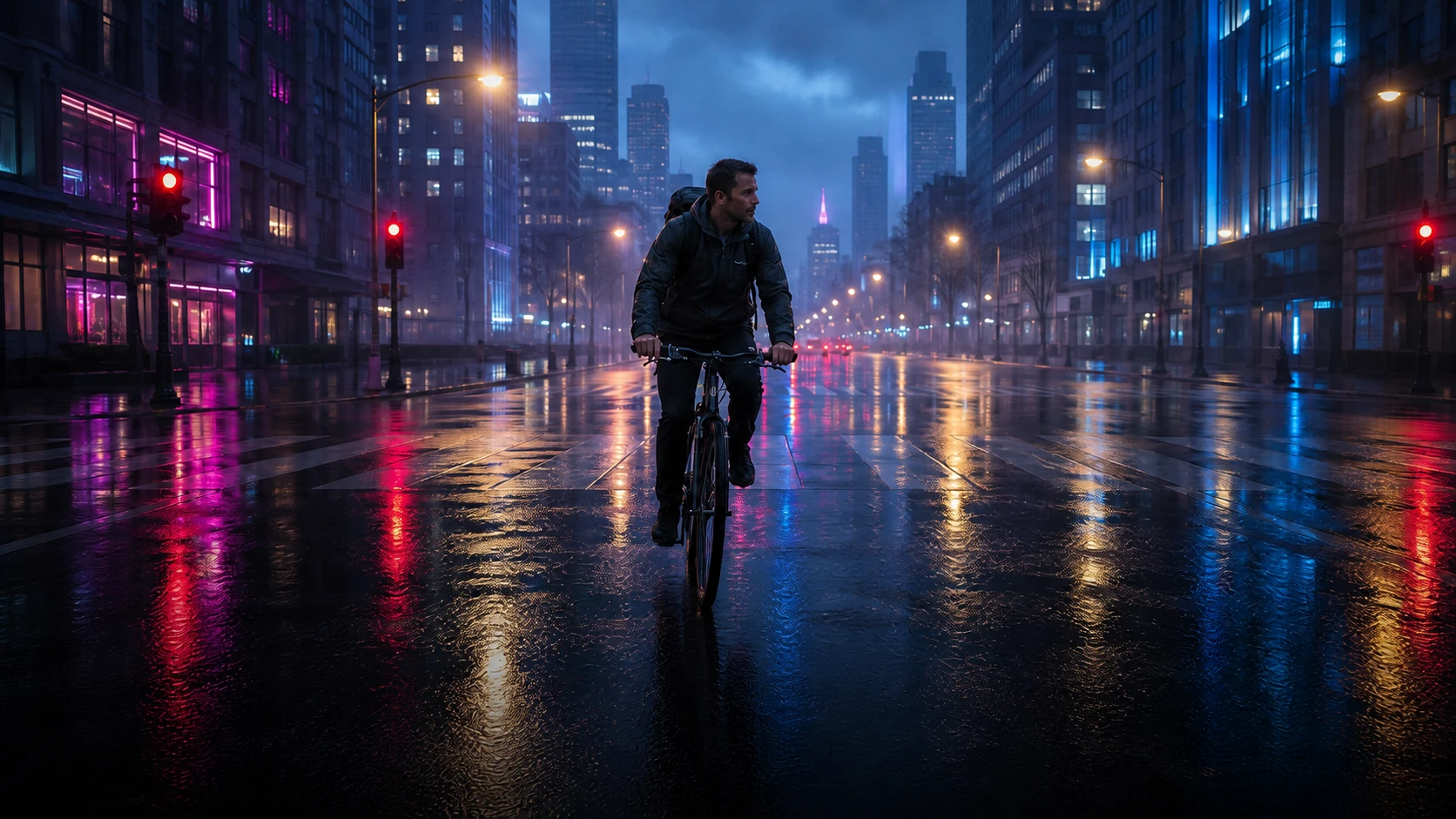
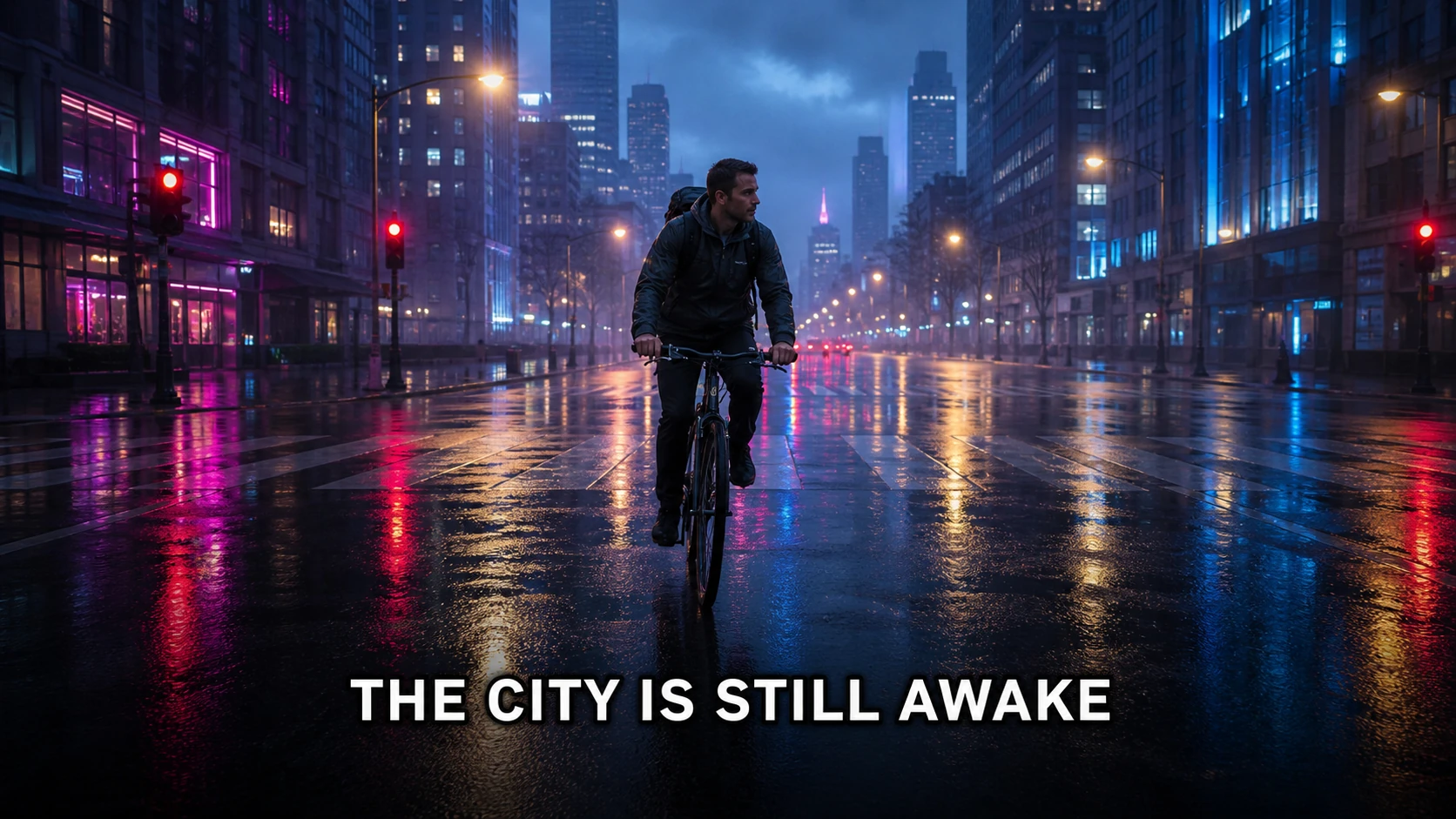
The full frame stays intact, but the rebuilt area still needs a visual check.
This example shows what to inspect; it is not a promise of lossless results for every image.
remove text overlay from photo without cropping
Remove captions, quotes, and burned-in text overlays while keeping the full frame, then check shadows, outlines, and hidden detail.
Read guidehow to delete a sticker from snapchat
Remove a sticker from a Snapchat photo you saved and have permission to edit, without cropping away the rest of the picture.
Read guideremove snapchat caption
Clean up captions from a saved Snapchat photo you own, while keeping the original framing and image detail intact.
Read guideCleaning one screenshot does not imply frame-consistent video processing.
Captions crossing faces, hair, or thin lines require careful inspection.