

How to Remove Writing From a Picture
Remove handwritten notes, labels, and other writing from an image you own while keeping the surrounding detail intact.
On this page
Writing on an image can be a handwritten note, a product label, a date, or an added annotation. If you own the picture or have permission to edit it, use a narrow selection so the cleanup changes as little of the original image as possible.
Keep an untouched copy first
Save the highest-resolution original before editing. This is especially important for family photos, records, or images with meaningful context. Removing visible writing changes the pixels; it does not recover detail that was hidden underneath.
Remove writing with a focused selection
- Upload a copy of the image you are allowed to edit.
- Mark only the writing and a small amount of its immediate background.
- Run the cleanup, then inspect edges, texture, and straight lines at full size.
- Retry with smaller selections when writing crosses a face, fabric, or a patterned surface.
- Download a new copy only after the rebuilt area looks consistent.
When handwriting needs extra care
Handwritten marks can follow uneven paper, clothing, or aged photo grain. Process a long note in short sections instead of selecting the whole block at once. This gives the image editor less detail to reconstruct and makes it easier to correct one imperfect area.
Synthetic product-price example
If you own a product image and its old promotional price is baked into the pixels, finding the original design or source photograph is still the most accurate option. A local repair is a fallback for a flattened copy.
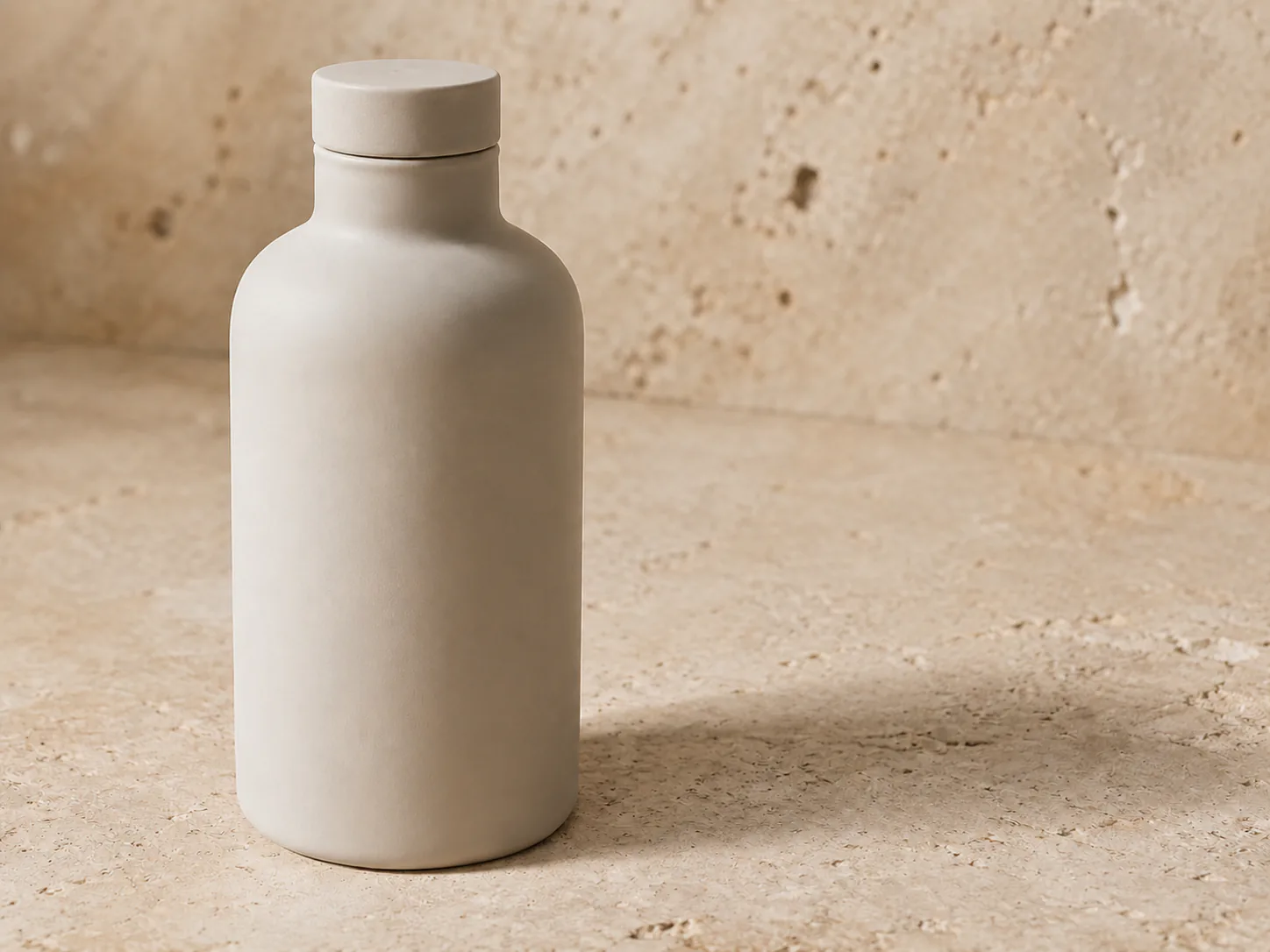
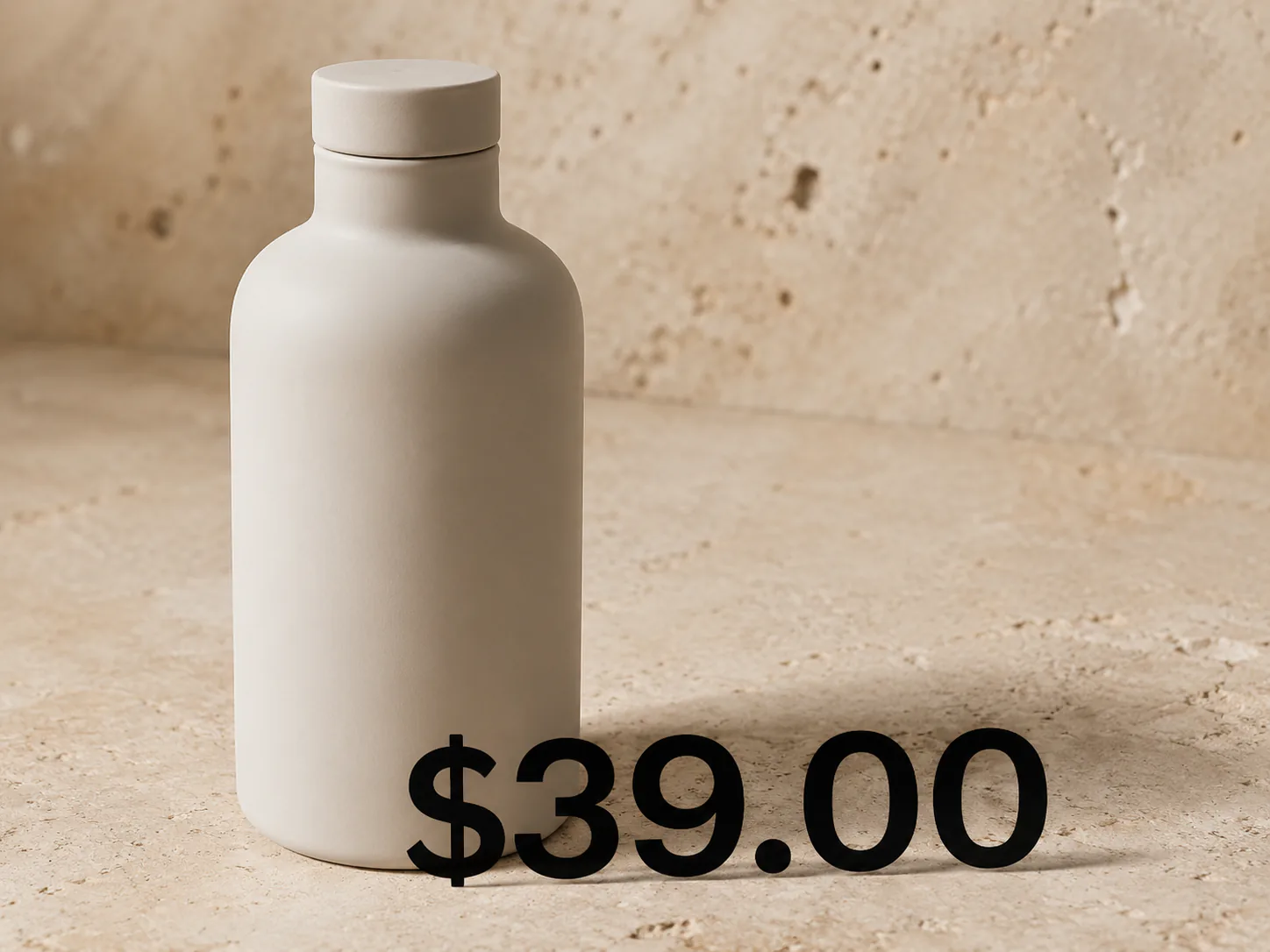
The product, price, and scene are synthetic and unbranded. The text is no longer readable, but review the bottle curve, contact edge, shadow, and stone texture at 100%. This content demonstration was prepared with an AI-assisted editor, not a production RemoveTextPro benchmark, and it should not be used to misrepresent an offer.
Use the right related workflow
For a printed date, see the guide to removing date stamps from photos. For arrows, highlights, and review notes, use the image markup workflow. If the writing is a text overlay added to a social photo, the caption-removal guide is usually a closer match.